
QMS Training for Employees: A Complete Guide
A manager can easily get bogged down in day-to-day operations and lose sight of the big picture. Taking time to plan for QMS training for employees not only benefits all individuals but also strengthens your company culture.
Define the objective of the QMS training for employees
You should define the objective of your QMS training for employees. In other words, you will need to clearly state why you are conducting training and what are the objectives that it has to achieve. For example:
- This training is designed to improve employee skill levels in QMS-related areas.
- The outcome of this training is for all employees (including management) to understand how ISO standards affect business performance.
Identify the desired outcome
Once you have established the scope of your training program, it's time to identify the desired outcomes. What is it that you want your employees to know or be able to do?
Once you've identified the desired outcome, determine what employees will need to learn in order for them to achieve that outcome. This may involve reviewing existing policies and procedures and making changes accordingly. The next step is deciding who will deliver the training: You or someone else? If another individual will be conducting some or all of your training sessions, then consider how you'll document that person's performance as well as how they'll deliver each part of their presentation (through video recording or written notes). Lastly—and this is most important—be sure not only to consider what methods will be used but also how those methods can best measure success once completed.
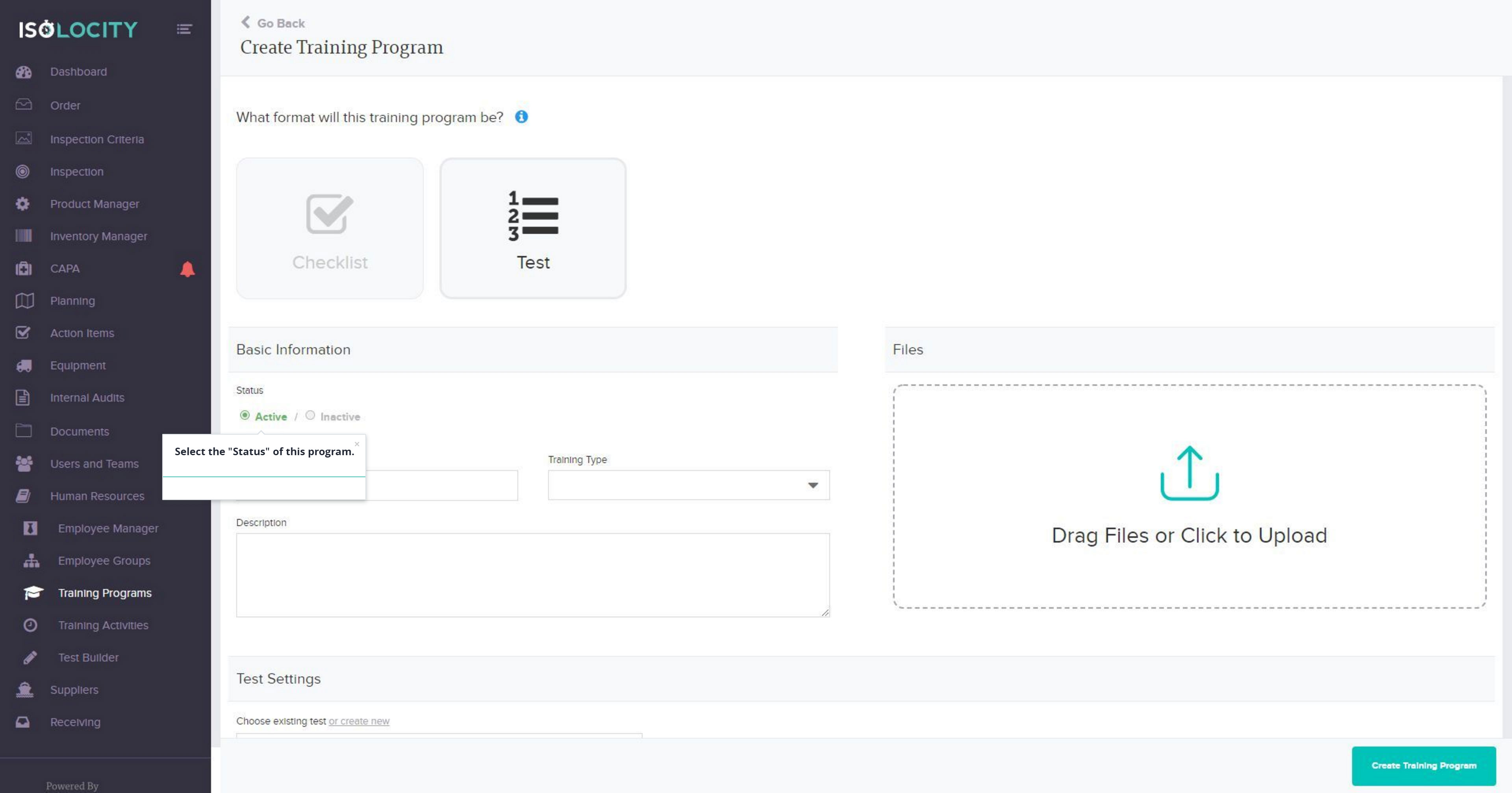
If the training will be done through Quality Management Software, like Isolocity, the entire program can be done through the software without any hassle.
Determine what employees need to learn from the QMS training
The first step in determining whether or not to invest in quality management training for your employees is to determine what they need to learn. What are their objectives? How can you ensure that they meet those objectives? What do the employees themselves think it will take for them to be successful at their jobs, and how can you help them get there?
If you have an employee who is struggling with a particular area of his or her work, you may need to provide some kind of additional training. On the other hand, if every single team member is performing well and meeting expectations, then this may not be necessary at all.
The second step is identifying desired outcomes: What specifically do we want our team members (or employee) to be able to accomplish as a result of receiving this training? Are there any specific tasks we would like them to do differently than before we began offering these lessons? Will this course help our company become more profitable overall by increasing sales or cutting costs?
Decide who will deliver the QMS training for employees
Training should be delivered by someone who knows the software. Training should be delivered by someone who is not the manager or direct supervisor of the employee receiving training. This makes it easier for an employee to ask questions without feeling as though they are being questioned, or that they need their manager's permission in order to ask them.
Training should also not be delivered by a direct supervisor because they may seem biased and give information that may not be accurate or useful based on their preferences and prejudices.
If you have Quality Management Software in place, the training module can be automated. The trainer will only have to create the training on the software once and all employees will be able to access the same online, thus saving time for the trainer.
Consider how you will document the QMS training for employees
The purpose of documenting training is to ensure that employees are consistently trained, effectively trained, and successfully trained. There are several ways you can accomplish this:
- Create a checklist of the skills each employee must demonstrate in order to be considered fully trained.
- Take notes during training sessions (this will help you remember what was said).
- Create a video recording of classes so that they can be reviewed later.
But the best option would be to use software for this. So apart from automating all these aspects, you have broader visibility of the progress as well as future reference.
Choose a method for presenting the materials
Once you've selected the materials you want to use, you'll need to decide how best to present them. The following methods are commonly used in training:
- Lectures—A lecture is typically a teacher-led discussion of a subject. It can take many forms, including video lectures and PowerPoint presentations.
- Discussions—Discussions allow participants to explore and debate topics with each other in small groups or as a whole class.
- Group Work—Participants work together on an activity designed by the trainer or facilitator. This may include exercises, projects, or simulations.
- Individual Work—Participants complete workbooks or self-directed learning activities during training sessions. This method allows for more flexibility than group work but requires more discipline.
Considering most employees are working remotely now, cloud-based software can be a preferred method for training.
Identify ways to measure the success of the training
The training should also be measurable, in terms of results, time, cost and quality. For example:
- Do you want them to improve their customer service?
- Are you hoping they will be better able to complete work tasks?
- Do you wish for their safety practices and overall health habits to improve?
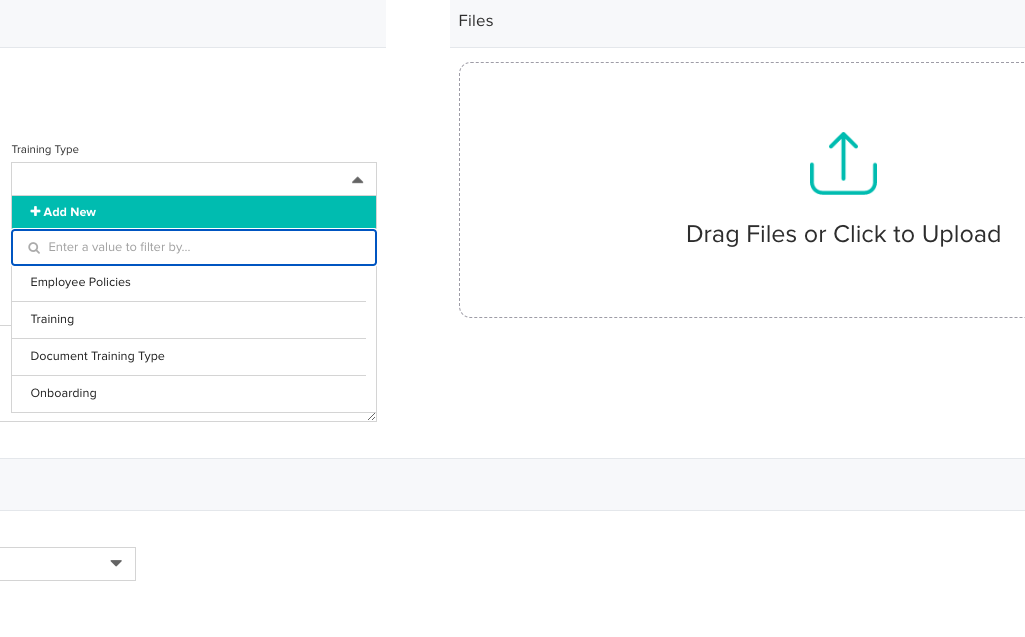
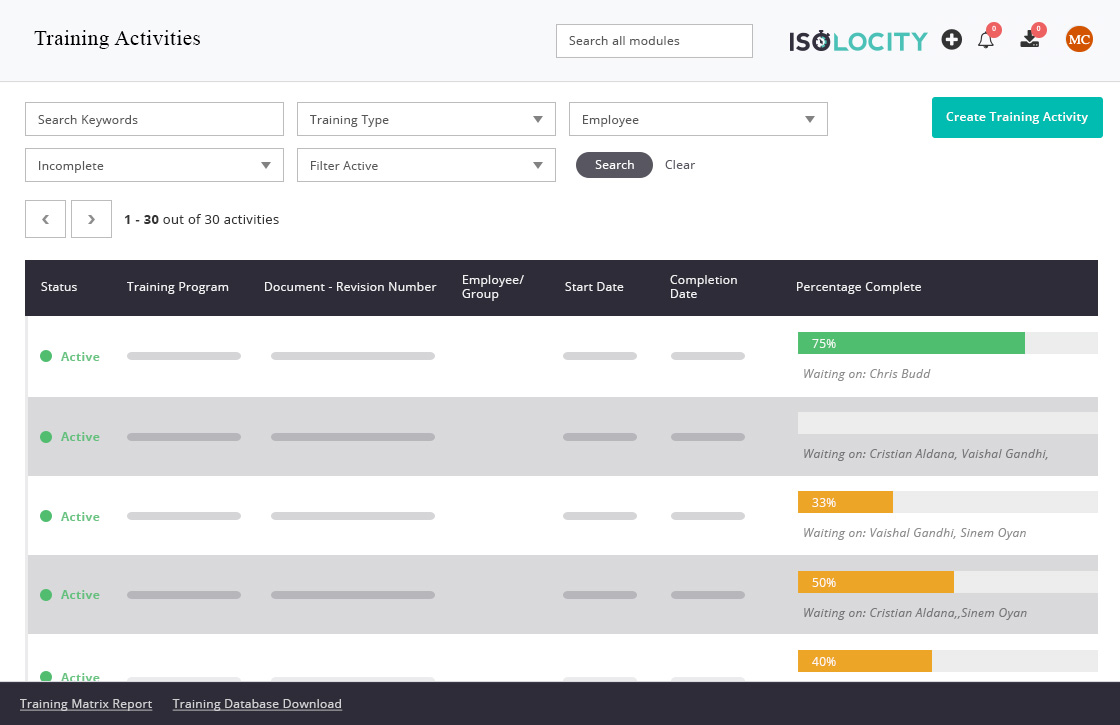
Here is the training workflow for Isolocity
- Create employee groups
- Create training types
- Create a training program
- Create a training activity
- Add employee groups to the training activity
Check out our knowledge base article for all the steps.
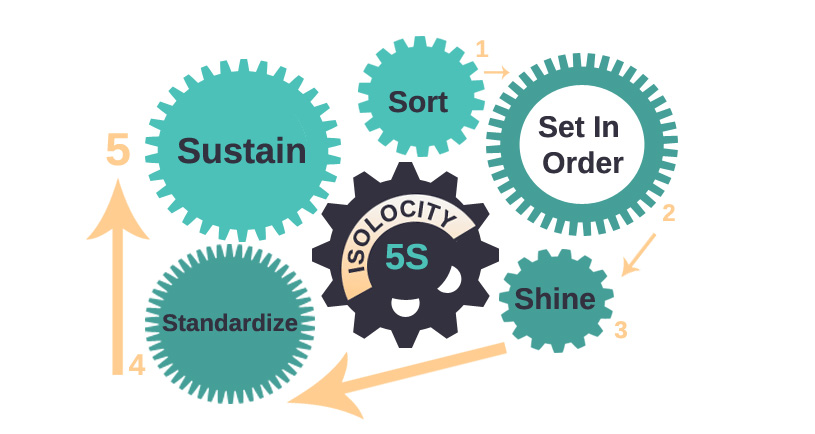
Here is the training checklist glossary for Isolocity software
Differences between departments, teams, and employee groups
Conclusion
Your employees are an important part of your business. They need to know how to use the right tools and how they can contribute to your overall success. We hope this section was helpful in teaching you how to do QMS training for employees. If you want to know more about Isolocity's training module, get in touch with us to book a demo.
We are one of the top-rated Quality Management Software on Capterra. Rate us here.


.png)
Build vs. Buy a QMS: What to Know Before You Build Your Own
Isolocity vs. ERP Quality Modules: A Complete QMS Comparison
.png)
How to Handle Change Management to eQMS Without Disrupting Compliance
Join Our Newsletter



